My Lists
The My Lists page serves as the user’s workspace, displaying the lists created from either query results or manual edits.
To create a List
Select the List Type: Choose the type of list you wish to create, which can be a Variety, SNP, or Locus list.
Click the Create Button: Initiate the list creation process.
Enter the Details: Type or paste the variety names, IRIS IDs, IRGC accessions, SNP IDs, or Locus IDs based on the selected list type. Ensure that each entry is on a separate line. If multiple names or IDs refer to the same entity, only one will be created.
Save or Cancel: Click the Save button to save your list, or the Cancel button to discard your changes.
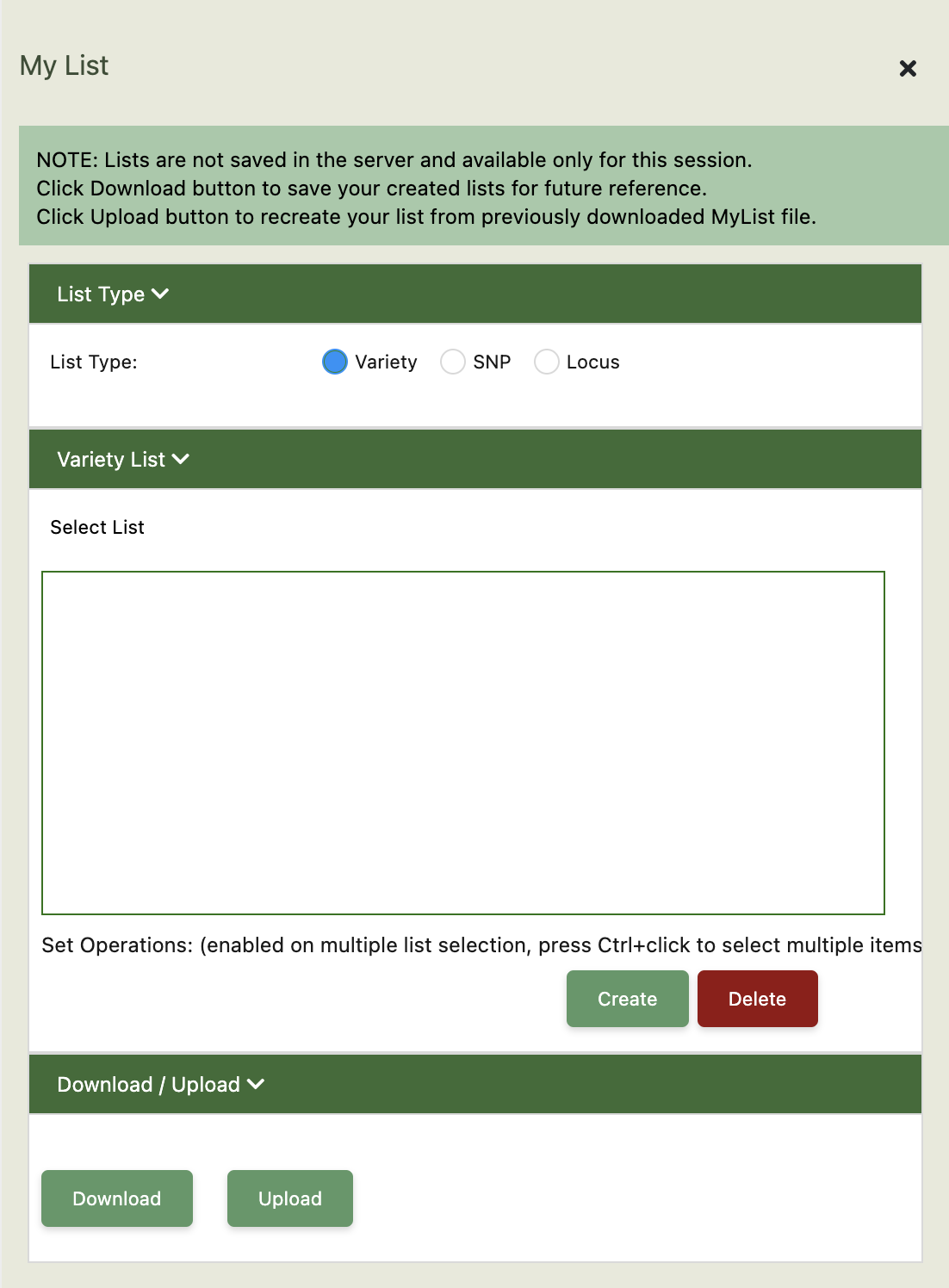
To delete a Variety List:
Select the List Name: Click on the name of the list you wish to delete.
Click the Delete Button: Confirm the deletion by clicking the Delete button.
To download a List:
Once your list has been created and saved, you can download it by selecting the desired list and clicking the Download button.